
Bluey: Let's Play!
Budge Studios

| Category | Casual |
| Installs | 50,000,000+ |
| Version | 2026.7.0 |
| Updated | Jun 5, 2026 |
About this game
Game Overview
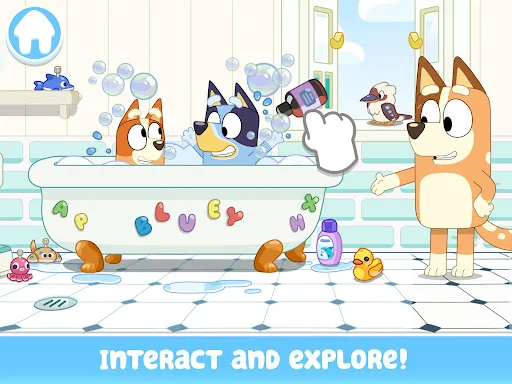
Bluey: Let’s Play! is a casual preschool app built around pretend play inside the Heeler family home. Developed by Budge Studios, it translates the TV show’s familiar domestic setting into a tap-and-drag activity space where children can explore rooms, trigger small interactions, and invent their own scenes. The loop is simple: move through the house, discover hidden surprises, and use objects or activities to build short stories. That structure makes it feel closer to a digital toy box than a traditional game. The presentation is bright and child-friendly, with familiar characters and a low-pressure pace that suits short sessions. Its appeal rests on open-ended play and recognition of the show, while its limits are equally clear: there is little sense of challenge for older players, and the experience is designed primarily for very young children.
Core Gameplay Features
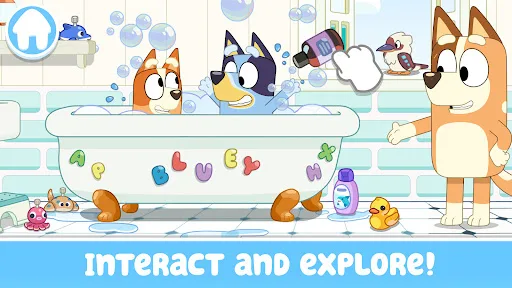
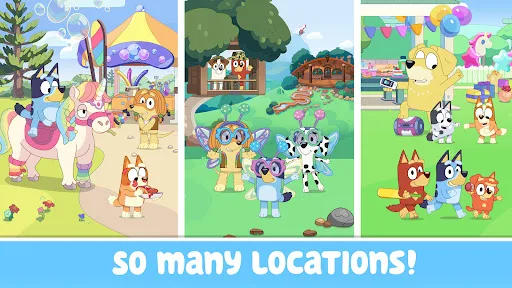
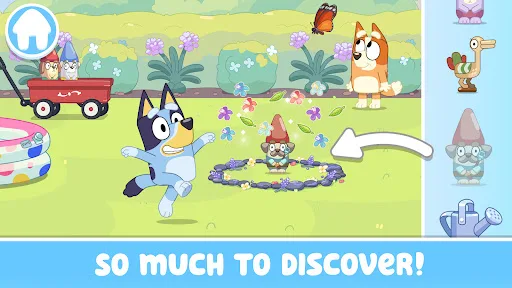
- House Exploration Players move through Bluey’s home and look for hidden surprises, longdogs, and small interactive moments. The appeal comes from discovery and repetition rather than progression.
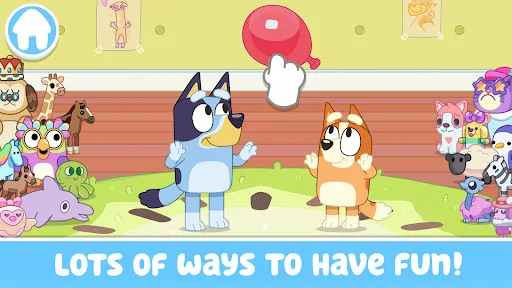
- Pretend Play Scenes Rooms act as a virtual playset where children can invent stories or recreate familiar show moments. This supports open-ended play instead of fixed objectives.
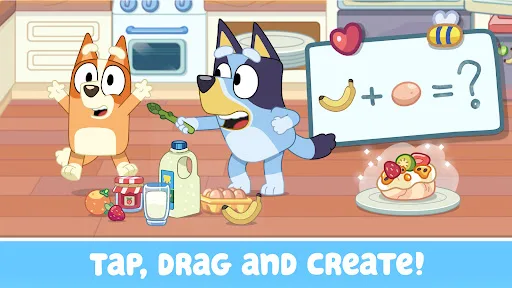
- Simple Touch Controls The app uses tapping, dragging, and direct interaction with objects. That keeps the interface accessible for preschool and early elementary players.
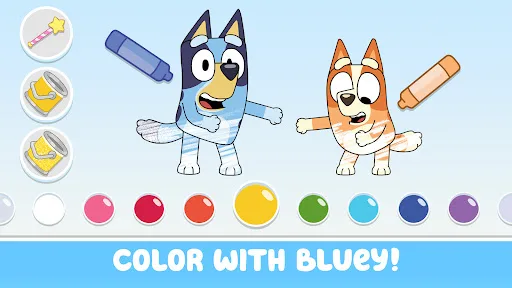
- Colouring Activities Colouring pages and scenes add a quieter, creative layer to the experience. They extend play beyond exploration without changing the basic structure.
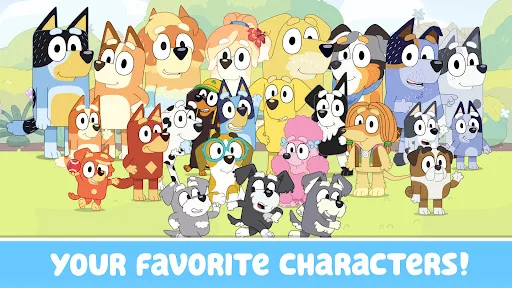
- Family-Friendly Presentation The description positions the app as safe and age-appropriate for young children, with Bluey, Bingo, Bandit, and Chili present throughout the experience.
What Makes It Stand Out
Among licensed children’s apps, this one stands out more for recognisable structure than complexity. It leans on the show’s domestic setting and gentle tone, which gives it a clear identity for families already familiar with Bluey.
- Strong Brand Recognition The Bluey licence gives the app immediate context for parents and children who already know the series from television or streaming.
- Large Store Presence More than 50,000,000 Google Play installs and over 224,000 ratings suggest a wide audience and plenty of real-world use, especially in Canada’s mobile market.
- Cross-Platform Access Availability on both the Canada Google Play Store and App Store makes it easy to install on Android phones, iPhone, or iPad without platform friction.
Things to Know Before Playing
The practical tradeoffs matter here. The app is free to download, but the store description says some content requires a paid subscription. It is also aimed squarely at very young children, so older players may find the structure too simple.
- Subscription Content The base app is free, but some content sits behind a paid subscription. That makes the long-term cost more relevant than the initial download price.
- Young Age Focus The content ratings are Everyone on Google Play and 4+ on the App Store, which fits preschool use but signals limited depth for older children.
- Storage Planning The iPhone and iPad version is about 175 MB, so extra free space is sensible for updates and cache. The Android listing does not show a size, so the store page remains the source of truth.
You may like

Candy Crush Saga
King

My Talking Tom
Outfit7 Limited

Pou
Zakeh

My Talking Tom 2: Pet Game
Outfit7 Limited

Homescapes
Playrix

Gardenscapes
Playrix
Township
Playrix

Minion Rush: Running Game
Gameloft SE

Candy Crush Soda Saga
King
My Talking Tom Friends
Outfit7 Limited
My Talking Angela 2
Outfit7 Limited

Hay Day
Supercell

Coin Master
Moon Active
Farm Heroes Saga
King

Angry Birds 2
Rovio Entertainment Oy